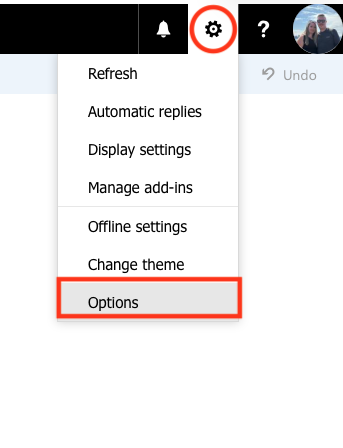
Step 1: Click the gear icon in the top right corner of your screen when logged into the web version of your email account and click on Options
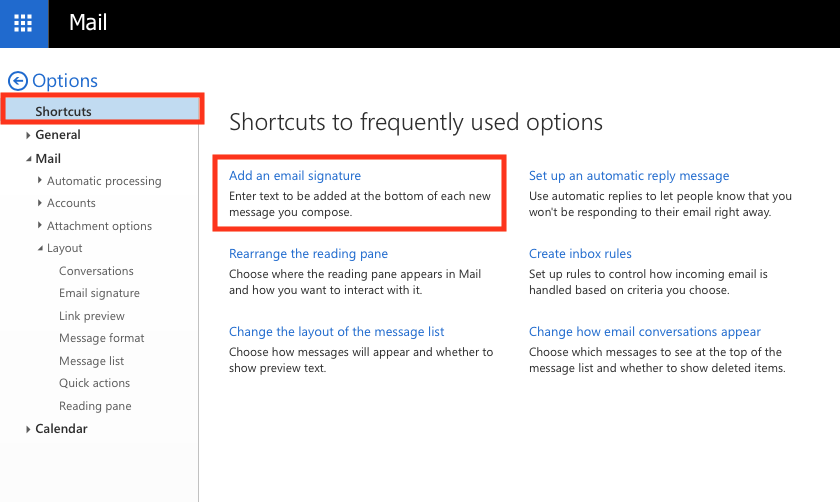
Step 2: Select Shortcuts from the menu on the left hand side of your screen and then click Add An Email Signature
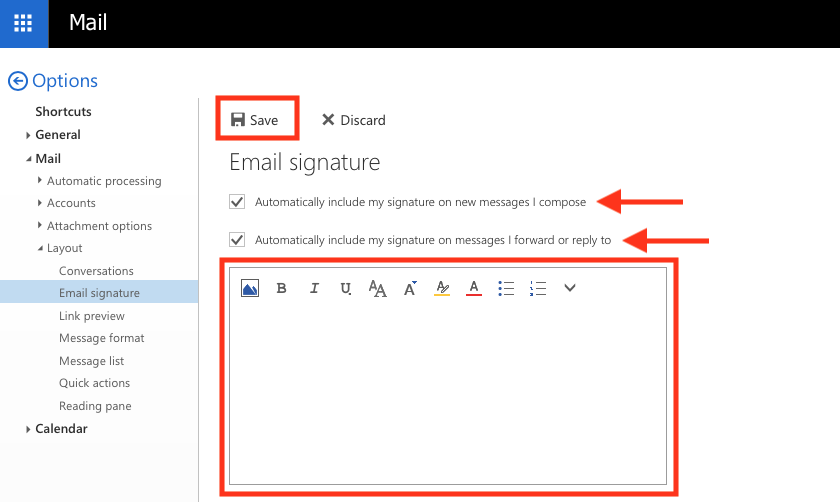
Step 3: Fill out the signature block and select how you want your email signature applied, and then click save. If you would like to add images to your signature, click on the image icon above the text box. After completed, click Save